Repository navigation
Antialiasing and pixelation #8
Description

I tried several riv-files and noticed strange behavior on rendering:
- on Android antialiasing is off - one can clearly see the sharp edges, which are not always required
- on lower SDKs "pixelation" effect appears - strangely enough, due to the fact, that the source is vector. To intensify the effect, I used a "narrow" artboard with width ~400. With wider artboards the effect is lower.
On the web the same riv-file is rendered just OK (version rive-canvas@0.6.5) - with antialiasing and without pixelation.
Here are my questions:
- How antialiasing can be turned on on Android?
- It would be great if you take a look into "pixelation" rendering for lower SDKs
Below are results of my experiments:
| Source | SDK21 | SDK29 | Web |
|---|---|---|---|
| Overview image. Click to see the full version | 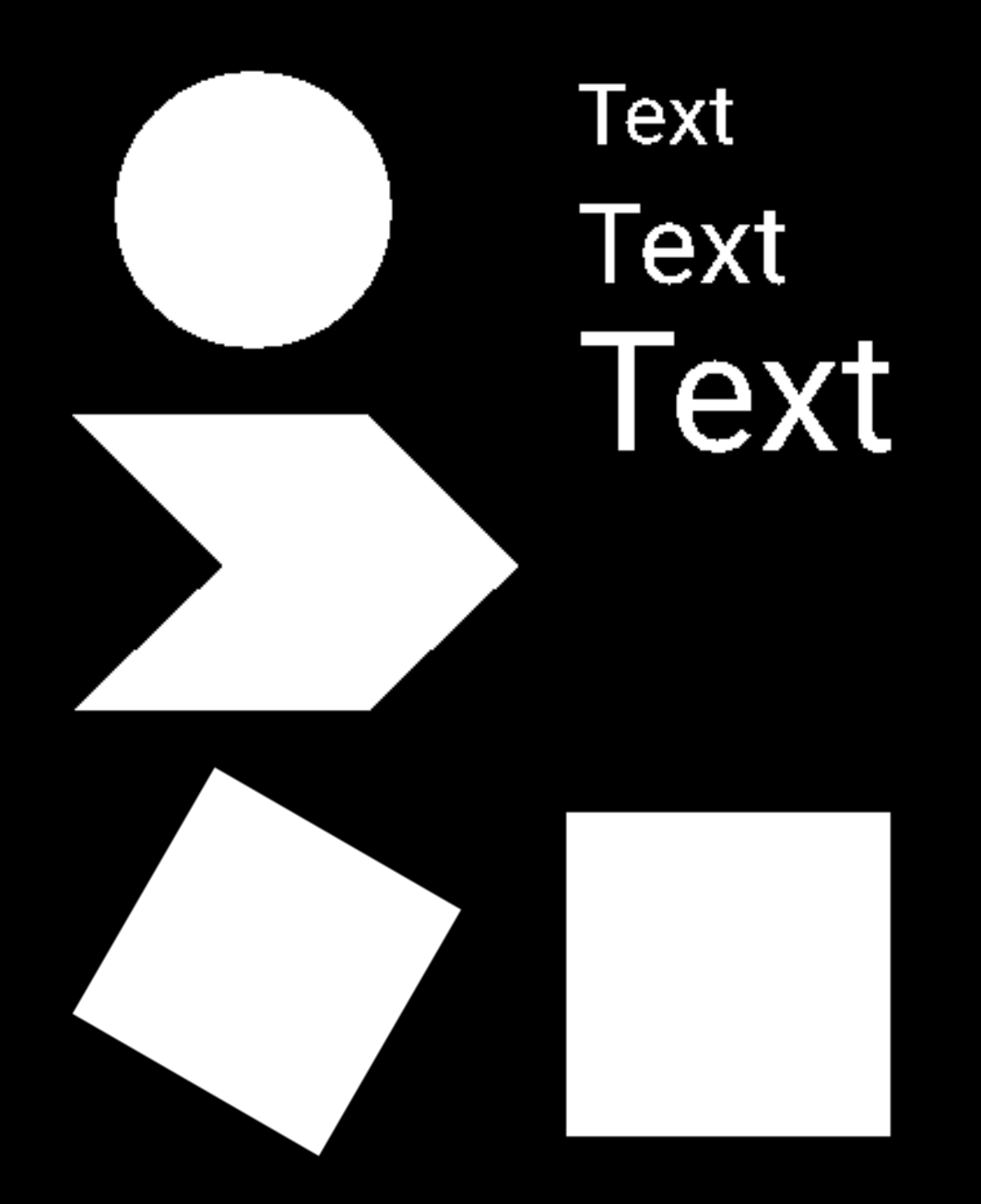 |
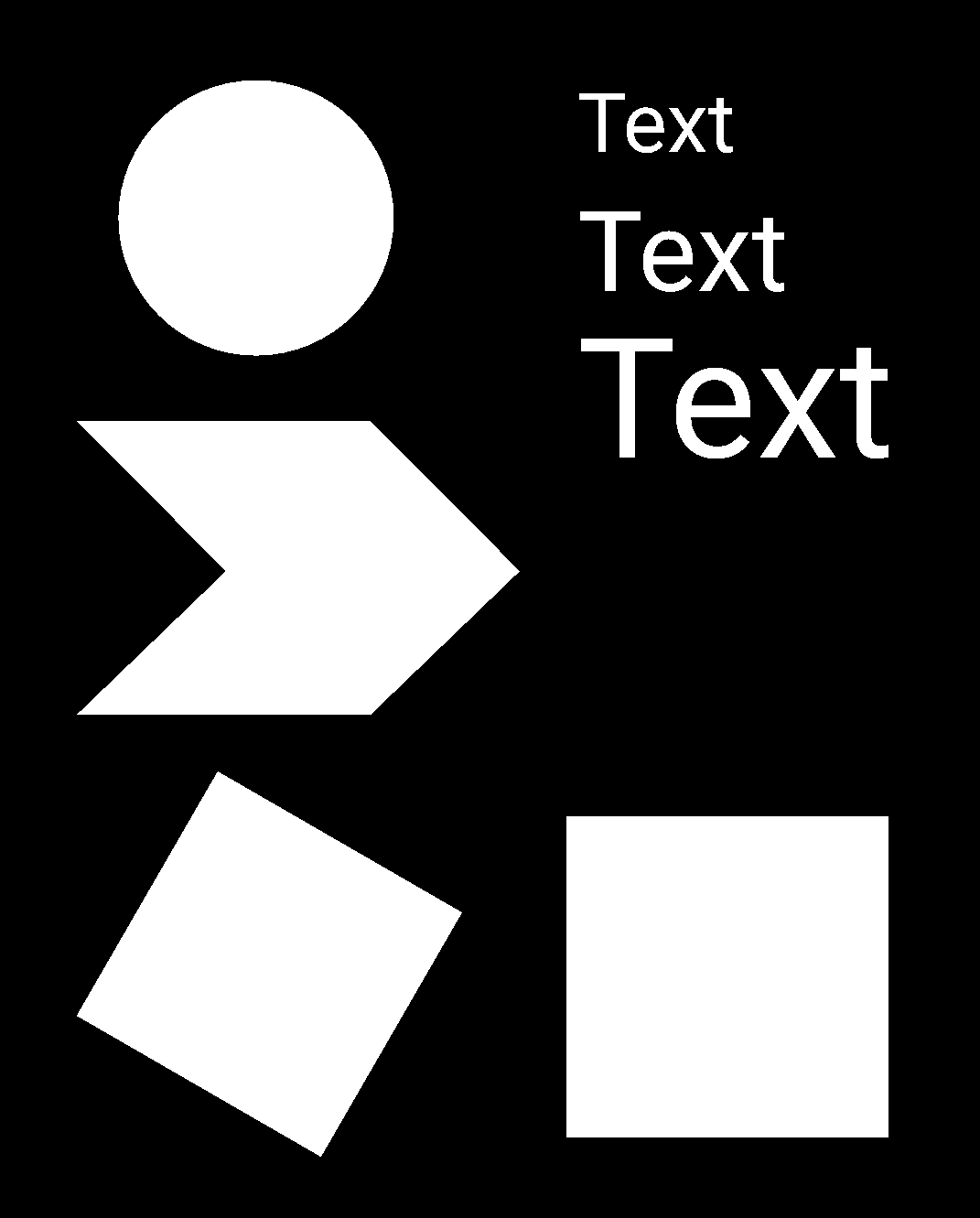 |
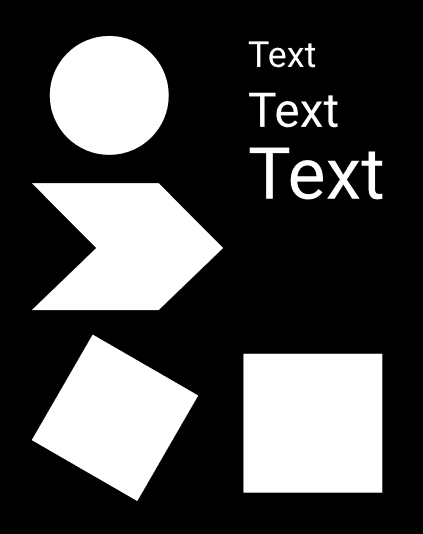 |
| Closeup circle |  |
 |
 |
| Closeup text |  |
 |
 |
Activity
mspnr commentedon Nov 20, 2020
I tried your update from branch antialiasing
#9
It works and looks much better! Thank you!
umberto-sonnino commentedon Nov 25, 2020
PR's been merged, and you said your files are looking good. I think we can close the issue..!