

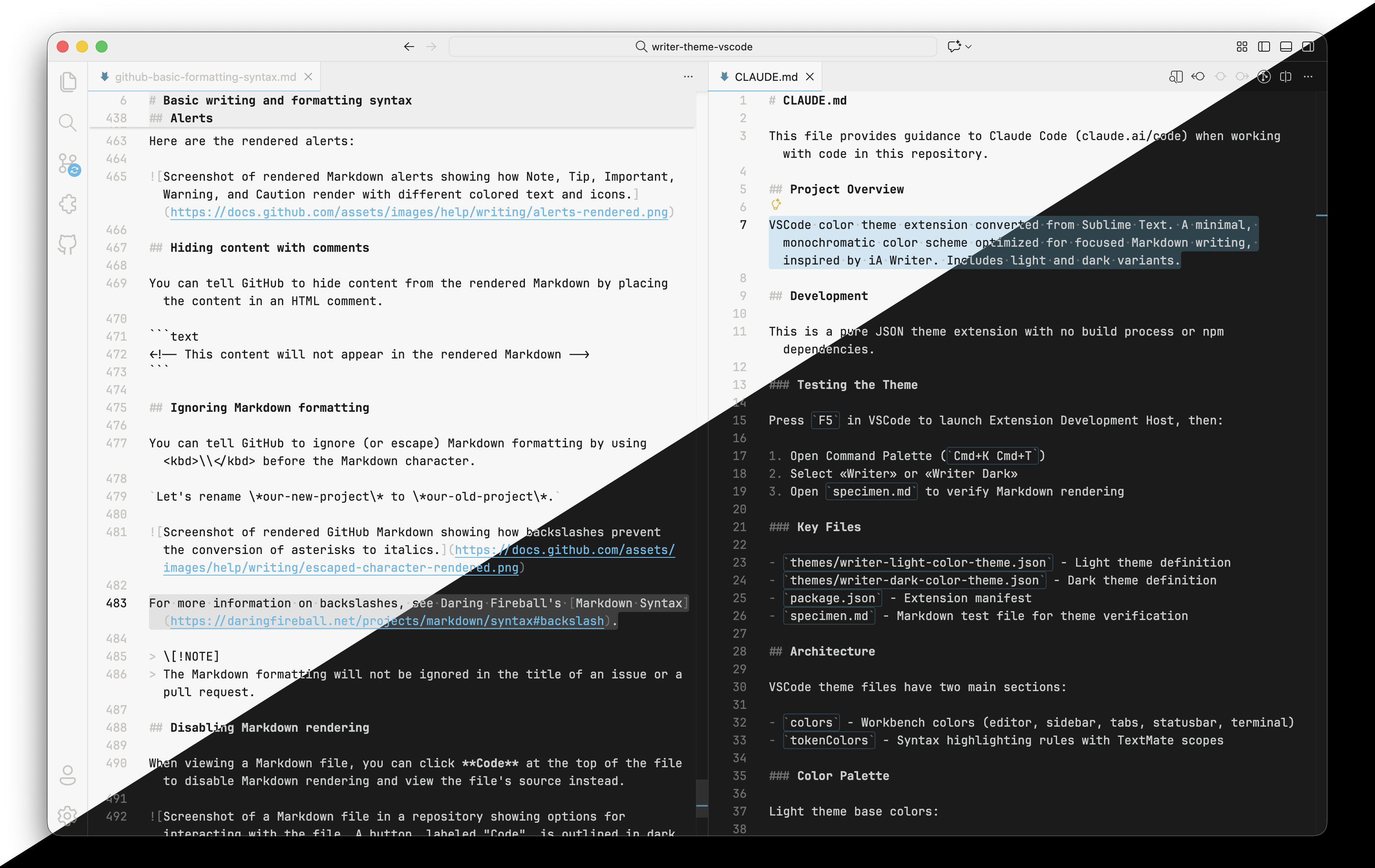
A color theme for focused long-form writing, based on Tonsky's Sublime Text theme, which was in turn inspired by iA Writer.
- Monochromatic color scheme for less distraction.
- Optimized for Markdown.
- Light and Dark versions.
- Pairs well with Tonsky's Writer font at 16 px.
This theme is a port of the Writer color theme created by Nikita Prokopov (aka Tonsky), from Sublime Text to VSCode.
Tonsky created the original theme to replicate iA Writer's minimalist writing experience while gaining the broader capabilities of a full-featured text editor—multiple cursors. As he explains in his blog post "Building an ultimate writing machine from Sublime Text", iA Writer "found the perfect balance between features and simplicity, design and focus."
| Role | Light | Dark |
|---|---|---|
| Background | #F7F7F7 |
#1b1b1b |
| Foreground | #1a1a1a |
#cbcccc |
| Accent | #58bae7 |
#55bbe7 |
| Selection | #cee7f3 |
#29434e |
Install from the VS Code Marketplace:
- Open Extensions (
Cmd+Shift+X) - Search for "Writer Color Theme"
- Click Install
Or install via Quick Open (Cmd+P):
ext install cboone.writer-theme-vscode
Then enable the theme:
- Open Command Palette (
Cmd+K Cmd+T) - Select "Writer Light" or "Writer Dark"
To get Tonsky's full Writer experience, install the Writer font, then add these to your settings.json:
{
  "editor.cursorWidth": 2,
  "editor.fontFamily": "Writer",
  "editor.fontSize": 16,
  "editor.lineHeight": 1.6,
  "editor.lineNumbers": "off",
  "editor.minimap.enabled": false,
  "editor.guides.indentation": false,
  "editor.renderLineHighlight": "none",
  "editor.renderWhitespace": "selection",
  "editor.wordWrap": "wordWrapColumn",
  "editor.wordWrapColumn": 72,
  "workbench.activityBar.location": "hidden",
  "workbench.statusBar.visible": false,
  "zenMode.centerLayout": true,
  "zenMode.fullScreen": false,
  "zenMode.hideLineNumbers": true
}The app that inspired this theme's design philosophy. Hard to beat it.
iA's modifications of IBM Plex Mono. These fonts are gorgeous. They're variable fonts, thus can be adjusted in every way possible. They're fully internationalized.
iA Writer Mono is a cleaned up variant of Plex Mono. iA Writer Duo is the same, but with several characters (such as W and M) expanded to 150% of the rest. iA Writer Quattro is the same as Duo, but with some characters (such as f and t) shrunk to 75%, and some (such as i and j) shrunk to 50%. Which, in the end, makes for a proportional monospaced typeface.
Read more about them in iA's blog post "A Typographic Christmas".
Tonsky's modified IBM Plex Mono, optimized for writing, "with increased letter-spacing and tuned weights."
Tonsky's minimal color scheme for coding, based on his philosophy of syntax highlighting, described in his blog post "A case against syntax highlighting".
Available for a very wide range of tools, including my versions for terminal emulators.
Tonsky's beautiful update of Fira Mono for coding, with monospaced ligatures. Pairs very well with Alabaster.
Original theme by Nikita Prokopov (aka Tonsky).
VSCode port by Christopher Boone.