Repository navigation
bug: Code (fences or single line) and headings hide colorcolumn even if they are less than the colorcolumn value #385
Description

Neovim version (nvim -v)
v0.11.0
Neovim distribution
LazyVim
Operating system
Ubuntu 22.04 LTS (WSL 2)
Terminal emulator / GUI
Microsoft Terminal
Describe the bug
A picture speaks a thousand words here, check the gaps in the colorcolumn when the code isn't as long as the colorcolumn:

The above demonstrates code fences but the same issue occurs with single line code lines too, such as when you have a long code line such as this sentence.
Here is the text for the screenshot but GitHub is trying to render the code fences so I put 2 backticks instead of 3 around the code fences in the real Markdown:
**Try it in Docker without modifying your system:**

``sh
# Start a Python container. We're using Python for Python LSP support.
docker container run --rm -it -v "${PWD}:/app" -w /app python:3.13.2-slim-bookworm bash

# Copy / paste all 3 lines into the container's prompt and run it.
#
# We need to install curl + sudo beforehand because they're not installed by
# default in this Docker image.
#
# Also, since we can't open a new terminal in a container we'll need to manually
# launch zsh and source a few files.
apt-get update && apt-get install -y curl sudo \
  && bash <(curl -sS https://raw.githubusercontent.com/nickjj/dotfiles/master/install) \
  && zsh -c ". ~/.config/zsh/.zprofile && . ~/.config/zsh/.zshrc; zsh -i"
``

*Keep in mind with the Docker set up, unless your terminal is already
configured to use Tokyonight Moon then the colors may look off. That's because
your local terminal's config will not get automatically updated.*

### Did you install everything successfully?

Nice!

If you haven't done so already please close your terminal and open a new
one, then follow the step(s) below:

#### 1. Configure your git name and email

One of the things the install script did was copy a git ignored git config file
into your home directory. You're meant to put in your name and email address so
that your details are used when you make git commits.

``sh
nvim ~/.gitconfig.local
``

#### 2. (Optional) confirm that a few things work

``sh
# Check to make sure git is configured with your name and email.
git config --list

# Sanity check to see if you can run some of the tools we installed.
nvim --version
tmux -V
node --version
``

Before you start customizing certain config files, take a look at the
[personalization question in the FAQ](#how-to-personalize-these-dotfiles).
The same thing occurs with headings too:

## 🎨 Themes
Since these dotfiles are constantly evolving and I tend to reference them in
videos, blog posts and other places I thought it would be a good idea to
include screenshots in 1 spot.
### Tokyonight Moon
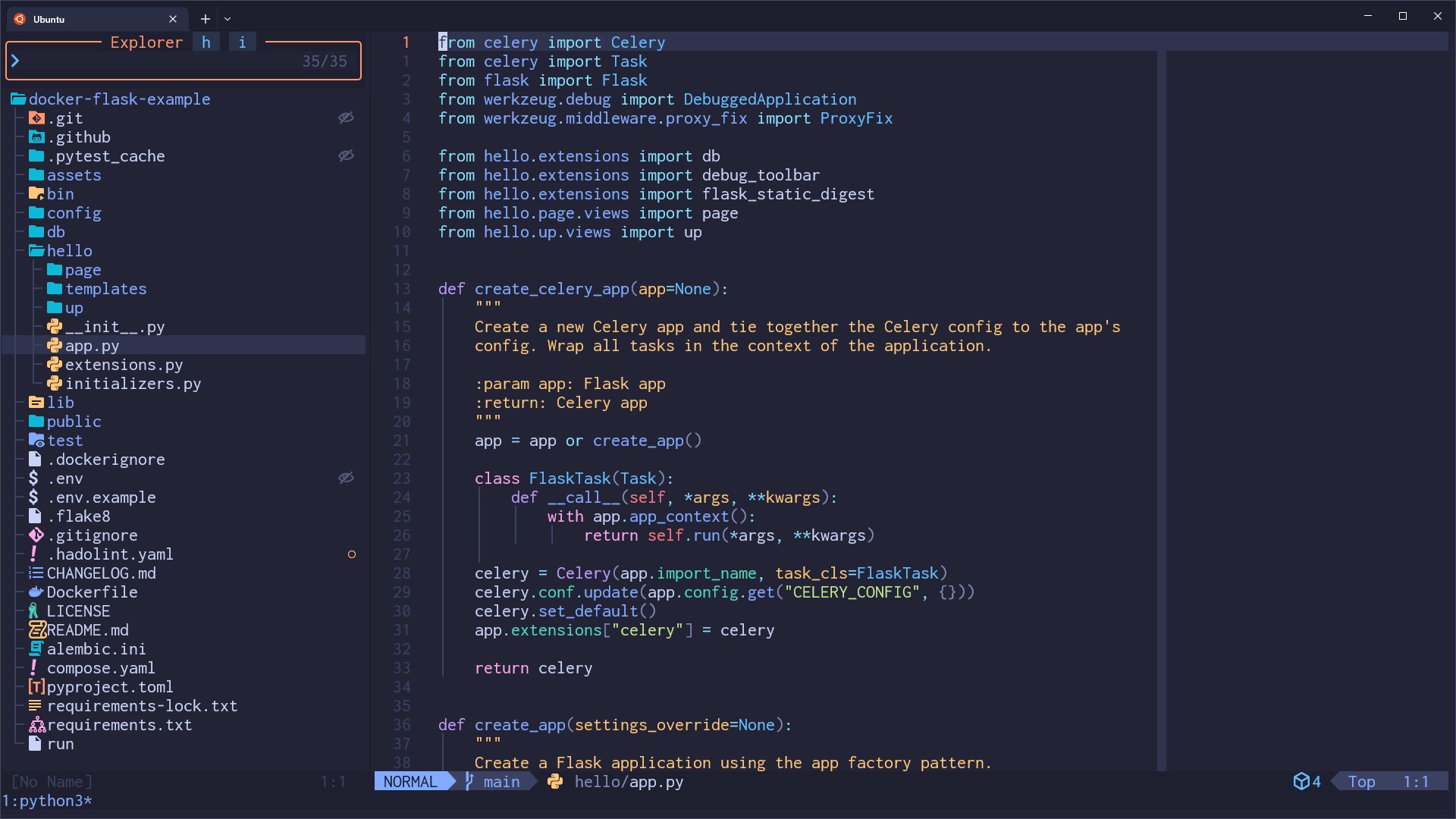
### Gruvbox Dark (Medium)
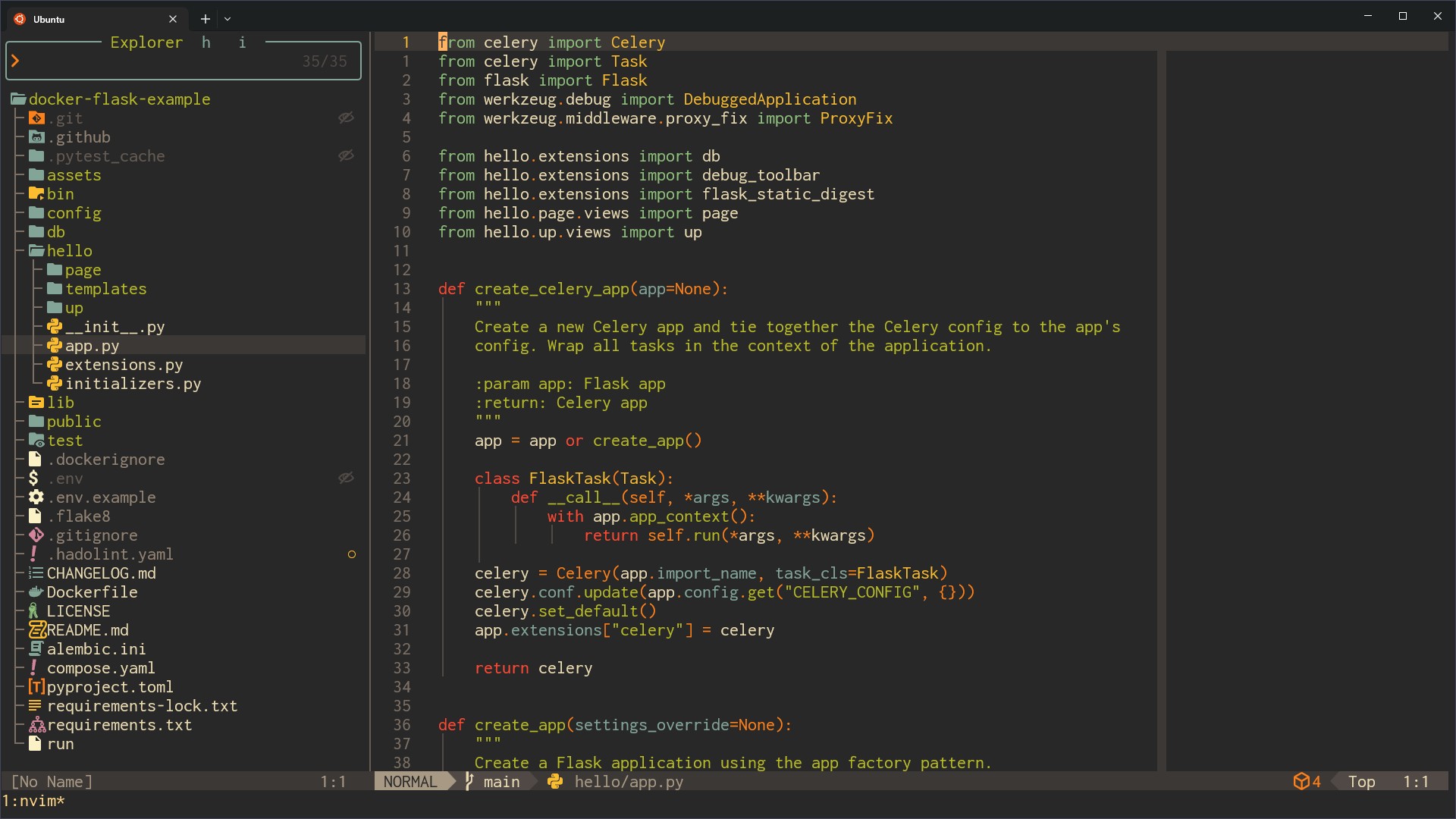In both cases if you turn off Markdown rendering they no longer get cut off.
Expected behavior
If the line character count for the code or heading is less than the colorcolumn then don't hide the colorcolumn.
Healthcheck output
==============================================================================
render-markdown:                     require("render-markdown.health").check()

render-markdown.nvim [version] ~
- OK plugin 8.2.0
- OK neovim >= 0.11

render-markdown.nvim [configuration] ~
- ERROR render-markdown.heading.min_width - expected: number[] or number, but got: string

render-markdown.nvim [treesitter] ~
- OK markdown: parser installed
- OK markdown_inline: parser installed
- WARNING latex: parser not installed
  - ADVICE:
    - Disable latex support to avoid this warning
    - require('render-markdown').setup({ { latex = { enabled = false } })
- OK html: parser installed
- OK markdown: highlight enabled

render-markdown.nvim [icons] ~
- OK using: mini.icons

render-markdown.nvim [executables] ~
- WARNING latex2text: not installed
  - ADVICE:
    - Disable latex support to avoid this warning
    - require('render-markdown').setup({ { latex = { enabled = false } })

render-markdown.nvim [conflicts] ~
- OK headlines: not installed
- OK markview: not installed
- OK obsidian: not installed
Plugin configuration
{
  checkbox = {
    enabled = false
  },
  code = {
    right_pad = 1,
    sign = false,
    width = "block"
  },
  file_types = {
    [2] = "norg",
    [3] = "rmd",
    [4] = "org",
    [5] = "codecompanion"
  },
  heading = {
    min_width = "80",
    sign = false,
    width = "block"
  }
}
Plugin error log
N/A
Confirmations
- I have updated this plugin to the latest version using my plugin manager
- I have provided the text contained in all screenshots as raw text in this issue. This means if there is a screenshot below it is the copy pasted contents of the file in the screenshot. I understand that my issue will be closed if I have not.
Additional information
I didn't check this behavior with every element type. I just happened to see it with code and headings. The plugin does a good job at not doing it when links are rendered with characters less than the length of the colorcolumn so it doesn't appear to affect everything.
Activity
[-]bug: Code (fences or single line) hide colorcolumn even if they are less than the colorcolumn value[/-][+]bug: Code (fences or single line) and headings hide colorcolumn even if they are less than the colorcolumn value[/+]MeanderingProgrammer commentedon Apr 1, 2025
Yeah, unfortunately this is more of a known limitation
There wasn't an easy way to extend a background to a specific width so the way
blockwidths are implemented is kind of funky. We use 2extmarks for each line:hl_group+hl_eolwhich results in the entire line being highlightedvirt_textwith a bunch of spaces using your background color as the highlight which we then position usingvirt_text_win_col, basically making everything after a certain column look like the background againThis has a number of side effects, like obscuring the
cursorlineand like you're seeing thecolorcolumn. I'll poke around a little bit more, see if there's another approach we can take, maybe something in0.11can help.At the very least I'll document this behavior.
chore: document limitation with column features and block widths
MeanderingProgrammer commentedon Apr 1, 2025
I gave it a good shot, but wasn't able to find a better solution. I've documented the problem in great detail in this commit: 92256e0, hopefully that explains what's goin on.
I have some suggestions for ways to make the problem less intrusive and really like the first one which is to configure the plugin to disable the option while rendering then re-enable it while editing:
You can have the default value pull the option from your config to keep them in sync by doing something like:
nickjj commentedon Apr 1, 2025
Thanks for looking into it. I do value having
colorcolumnvisible in all modes since it helps me eyeball how long a line is. Technically the heading width is the same so that gives a reference but on a 4k monitor with 150 visible lines of text it's not always easy to see if a line is wider than the heading. I think aesthetically it looks cleaner withwin_optionsthough, I will try it out.Btw I did already use
min_width = vim.o.colorcolumnto get the value dynamically. Is there a preferred reason to usevim.api.nvim_get_option_value('colorcolumn', {})over that?nickjj commentedon Apr 1, 2025
If anyone sees this, this is why I went down this path to begin with. If you have a high screen resolution, using
fullresults in:Also LazyVim sets block mode for code by default.
Toggle colorcolumn with Markdown rendering
nickjj commentedon Apr 1, 2025
I see this issue happens with tables too;
The
win_optionalternative solution addresses this too.I won't keep replying with each element but wanted to include this since it's an example of it applying to something that wasn't initially documented.
MeanderingProgrammer commentedon Apr 1, 2025
Nope, I think they're functionally equivalent since they both match
:setsemantics. I've updated the doc to usevim.osince it's a shorter alternative.For the
min_widthsettings I would wrapvim.o.colorcolumnwithtonumberas suggested by this error in your health check:The logic assumes
min_widthis always a number, it just so happens to work now because it's only used as an argument in a call tomath.maxand by some magic lua converts all the input arguments to numbers, which I was surprised by.In the future I could use
min_widthas part of some calculation in which case you would start seeing errors bubbling up, or if you setvim.opt.colorcolumn = '80,100'.MeanderingProgrammer commentedon Apr 1, 2025
Yeah it can look strange to have the lines extend so far. That's the problem that
blockwidth +min_widthis meant to help with, though definitely not a perfect solution.nickjj commentedon Apr 1, 2025
Thanks, I added
tonumber()to theheading(win_optionsexpects a string) and now the healthcheck reports everything as OK.Yep, it works for now with this combo and speed is important, especially when constantly flipping between normal and insert mode in a 5k+ word blog post. I understand why we can't get the best of both worlds yet.
MeanderingProgrammer commentedon Apr 1, 2025
This is actually a slightly different problem. The top and bottom of tables use
virt_lines, so they're entirely fake lines that aren't part of the buffer.I guess neovim doesn't add the
colorcolumnto these lines. It makes sense to some extent, might be worth a feature request to neovim if one doesn't already exist?You can remove adding the top & bottom lines around tables:
nickjj commentedon Apr 1, 2025
Thanks, that is good to know.
Maybe you can adjust the limitations doc for this too?
MeanderingProgrammer commentedon Apr 1, 2025
Sure: 6b66c32