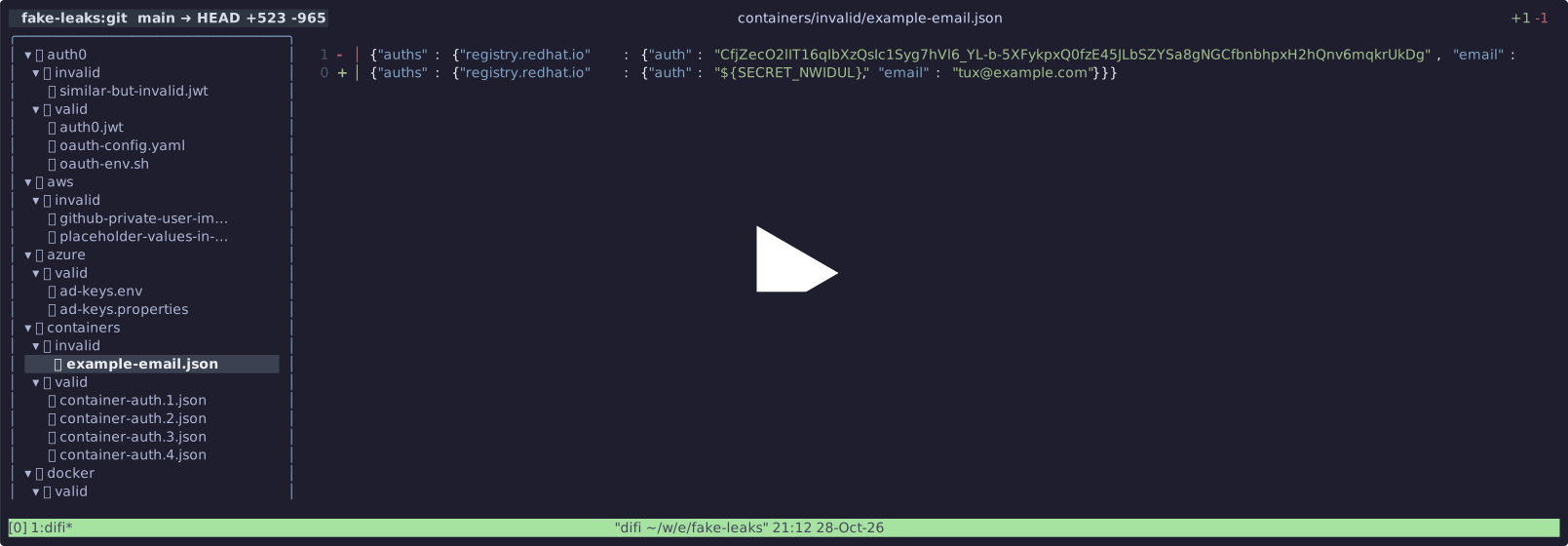

ensor is a fast, interactive CLI tool for detecting and redacting secrets from codebase.
By default, ensor extracts discovered secrets into a .env file and substitutes them with customizable placeholders across your project, but also includes a versatile converter for .env, JSON, YAML, and TOML.
scan for detecting secrets redact secrets from codebase put secrets into a
.envfile convert between different secret formats
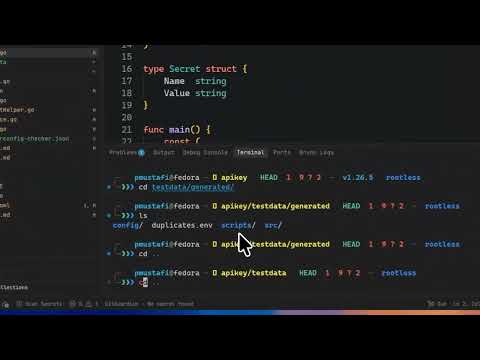
Watch ensor in action:
1793203918471040.mp4
brew trust --cask pratyay360/tap/ensor
brew install pratyay360/tap/ensor
mise use github:pratyay360/ensor@latestcurl -sSL https://raw.githubusercontent.com/Pratyay360/ensor/main/install.sh | shcurl -sf http://goblin.run/github.com/pratyay360/ensor | PREFIX=~/.local/bin sh go install github.com/Pratyay360/ensor@latestscoop bucket add pratyay360 https://github.com/pratyay360/scoop-bucket
scoop install pratyay360/ensorwinget install pratyay360.ensoraqua install Pratyay360/ensorDownload ready-to-run binaries or .deb, .rpm, and .apk packages from the
Releases page for Linux, macOS, Windows, and FreeBSD.
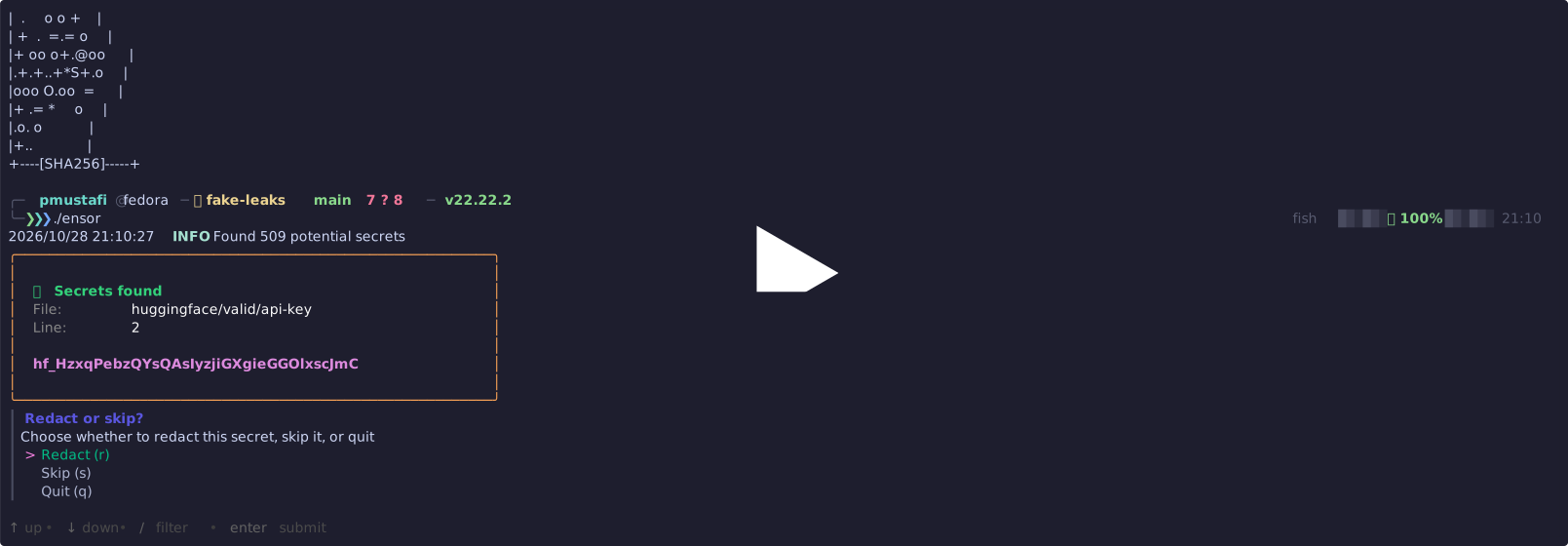
Scan the current directory:
ensorinteractive mode feels slow and boring try.
ensor --yolofor automatic redaction of secrets from the entire codebase.
That's it. ensor walks all the files and directories in codebase and detects + redacts the secrets from there.
By default, ensor skips scanning any file or directory that starts with a trailing dot, like .env, .env.json, or .git/* — so your actual secret files stay untouched.
Run
ensor --helpto see all available options.
ensor convert converts between any format of env files. Convert .env, YAML, TOML, JSON, and more — interchangeably.
ensor in action
ensor convert

result ensor